







Description
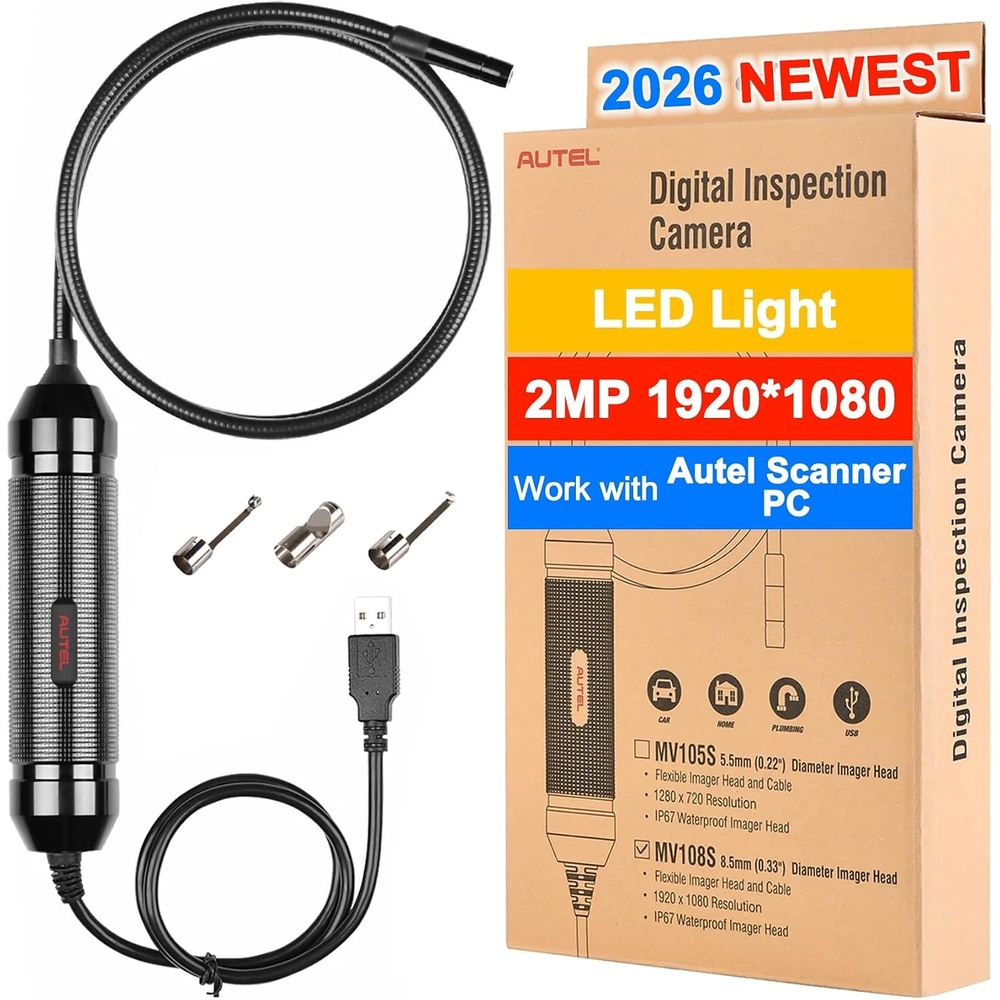
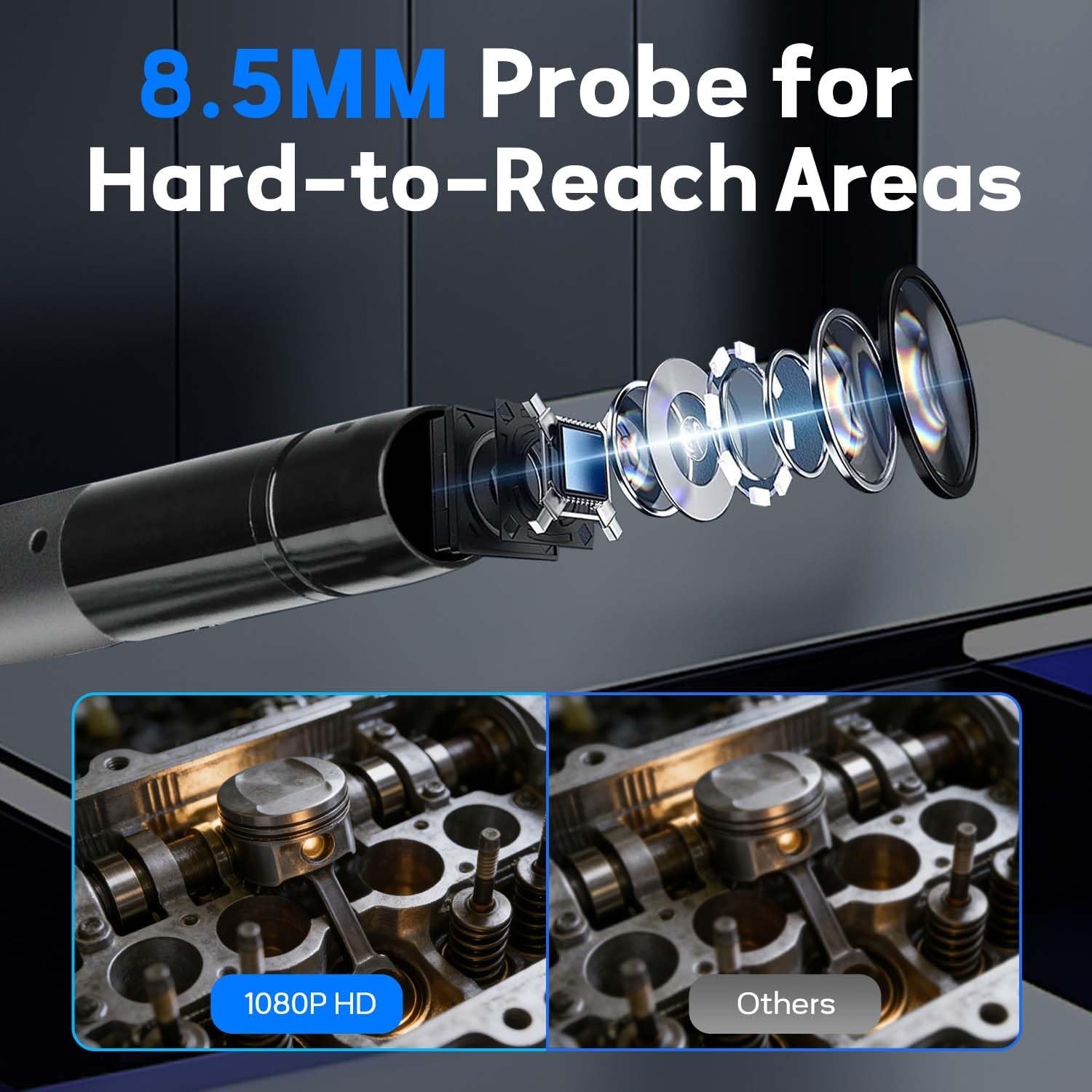
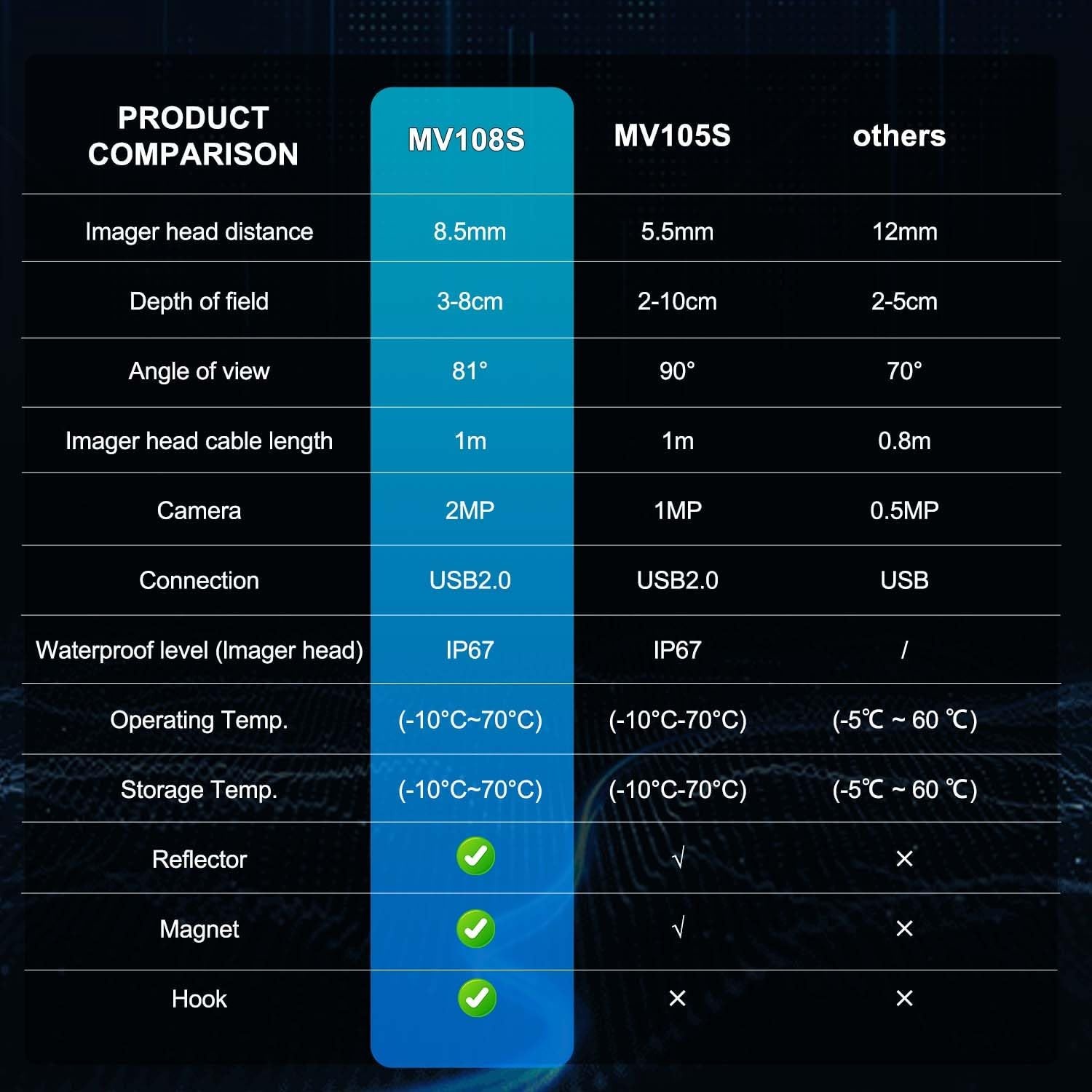
[8.5mm Slim Probe + 1080P HD Inspection] Tired of struggling to reach tight spaces like engine cylinders, small part gaps, or pipe joints? The Autel MaxiVideo MV108S features an ultra-slim 8.5mm (0.33″) imager head that easily accesses confined areas. Capture crystal-clear 1920x1080P HD videos and sharp still images (optimal viewing distance: 1″–14″), with 360° visual flip to adjust viewing angles freely—never miss tiny cracks, loose parts, or hidden faults again.
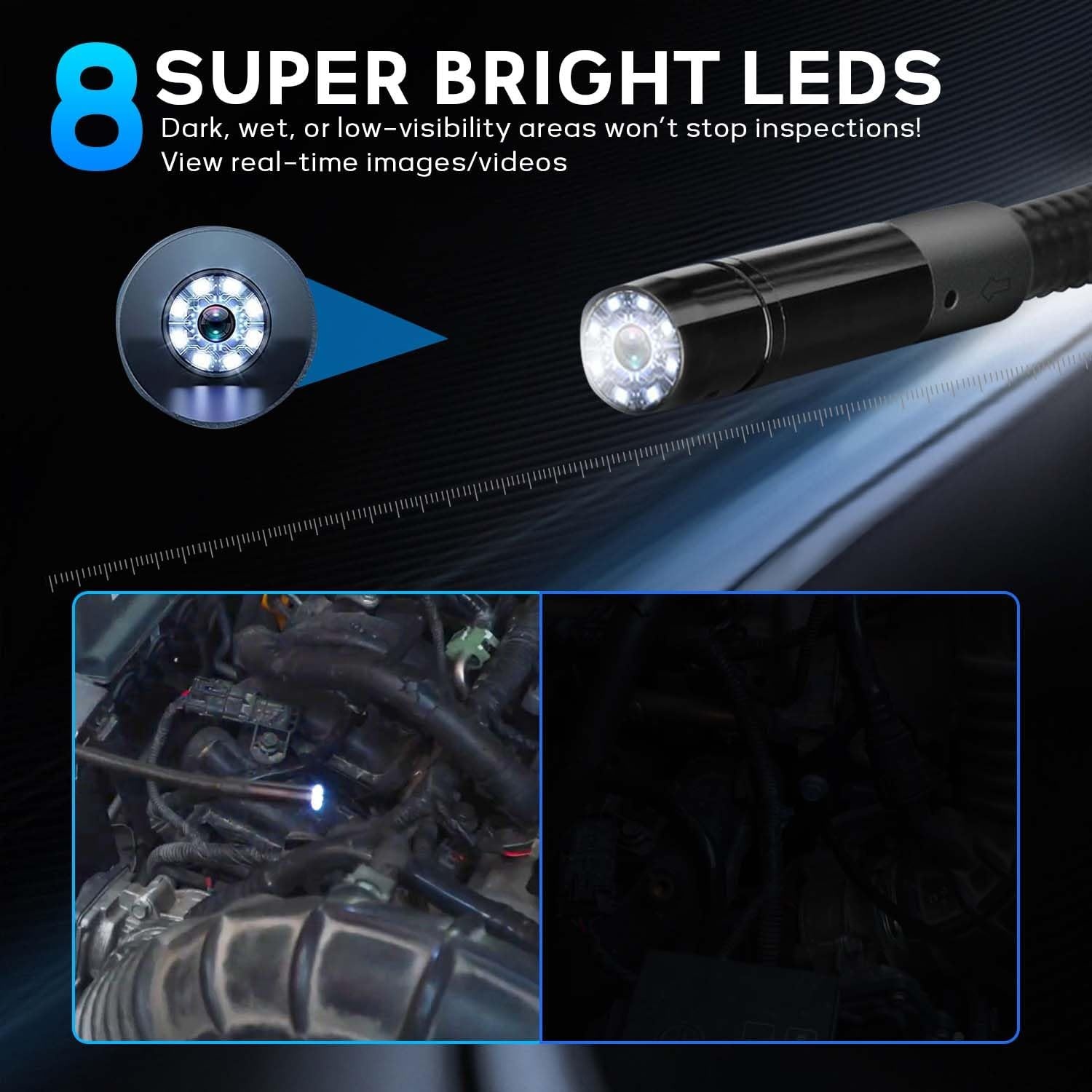
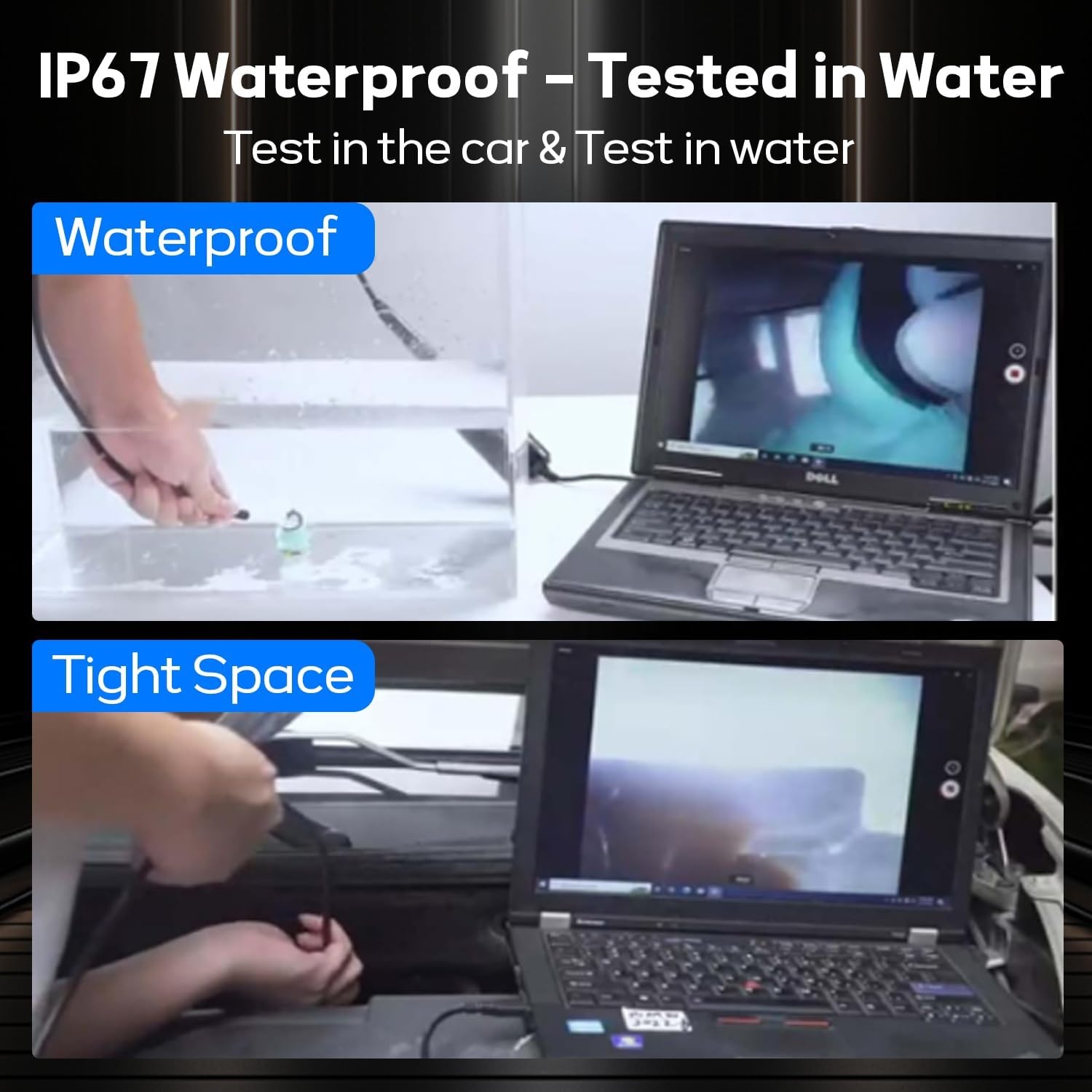
[8 Super Bright LEDs + Low-Light Adaptability] Dark, wet, or low-visibility areas won’t stop inspections! Equipped with super-bright adjustable LEDs, the MV108S inspection camera illuminates hard-to-see spots (like under dashboards or inside engine bays) for in-depth, detailed checks. View real-time images/videos directly on your Autel scanner or PC—whether inspecting oily components or damp areas, every detail stays visible, eliminating misdiagnoses from poor lighting.
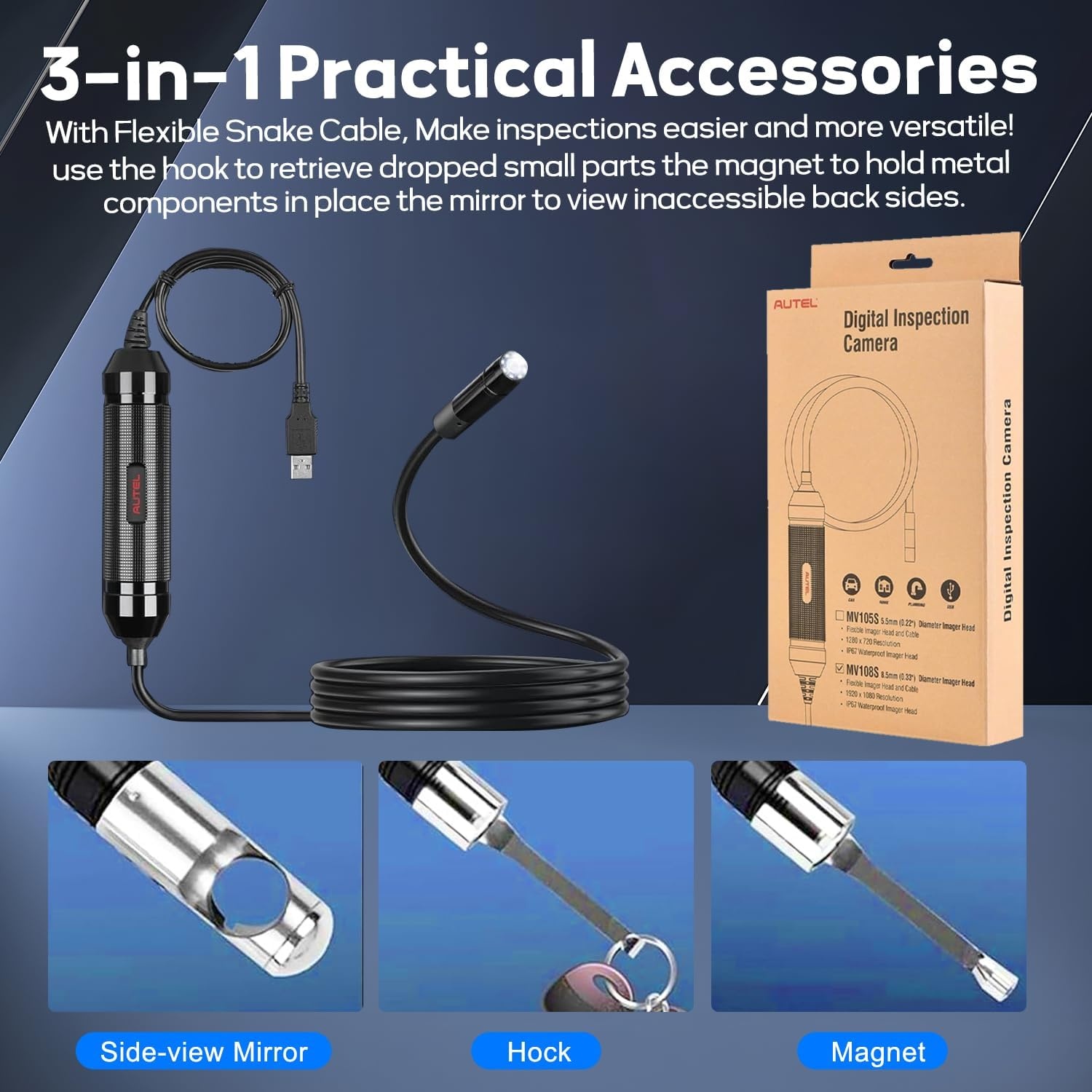
[3-in-1 Practical Accessories + Flexible Snake Cable] Make inspections easier and more versatile! The durable snake cable bends smoothly to navigate tight corners, while the included hook, magnet, and mirror accessories solve common pain points: use the hook to retrieve dropped small parts, the magnet to hold metal components in place, and the mirror to view inaccessible back sides. No need for extra tools—one set handles all complex inspection scenarios.
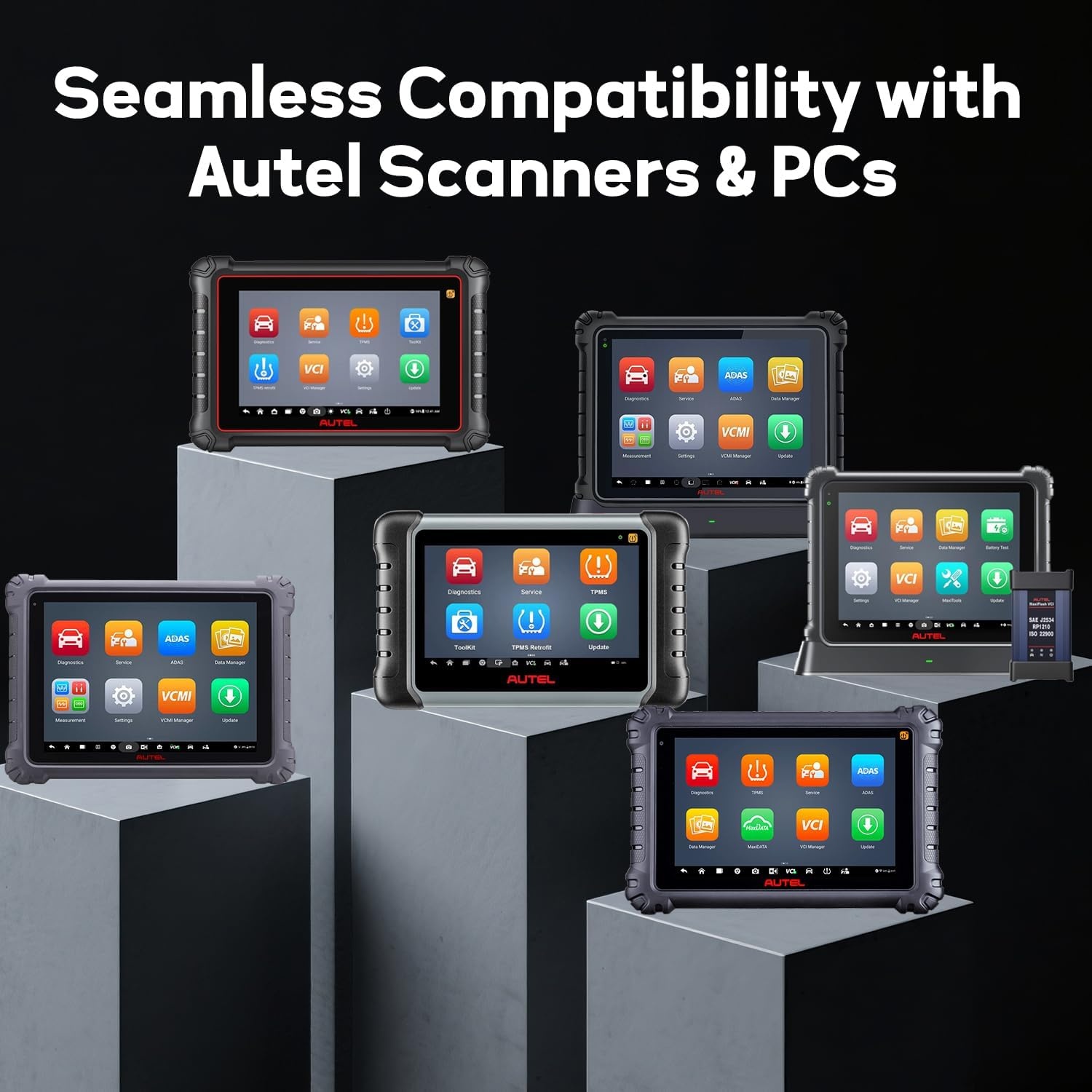
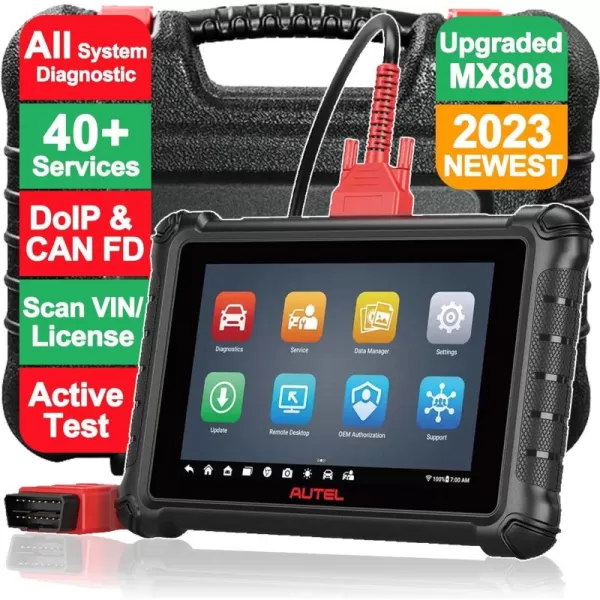
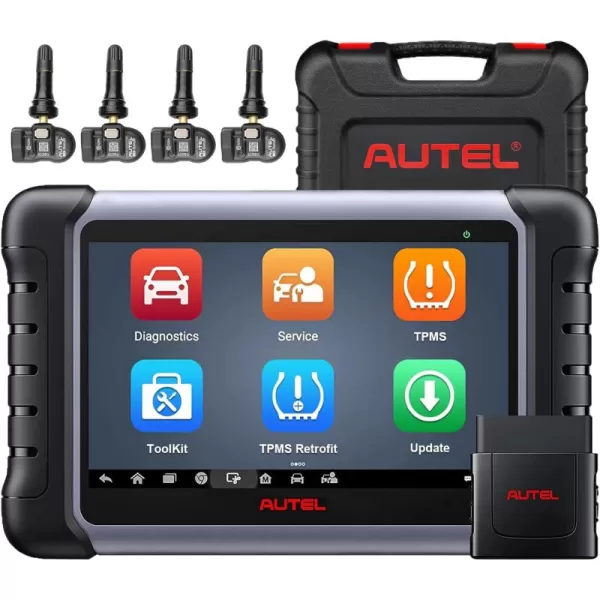
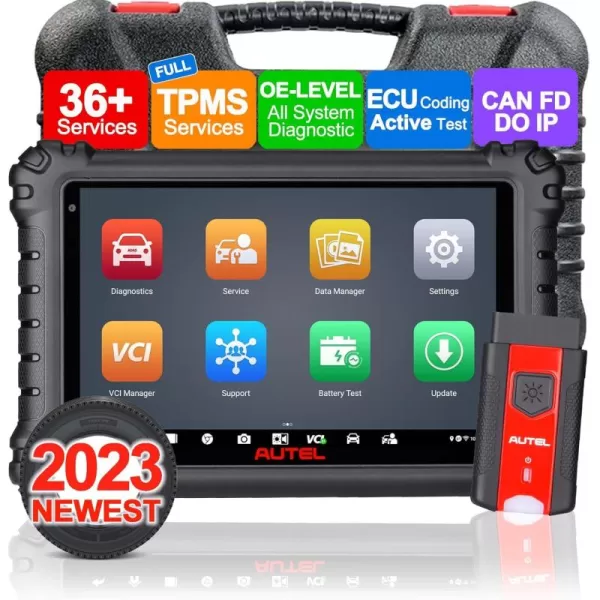
[Seamless Compatibility with Autel Scanners & PCs] Designed exclusively for Autel users! Works with most Autel scanners via USB port (excludes MaxiSys 906): MX808/MK808 series, MP808/DS808 series, MS906 Pro/MK906 Pro series, MK908/MS909/Ultra/Elite II, and more. Also connects to PCs for image/video storage and analysis. No extra software or adapters needed—plug & play to turn your existing Autel scanner into a professional inspection tool, saving you the cost of a standalone endoscope.
[Tool-Free Setup & Intuitive Operation] No complicated installation—get started in 2 simple steps: 1) Attach the removable imager head cable to the device; 2) Connect to your Autel scanner or PC. If you have any other questions, please feel free to contact us via message or mbdh2022 @outlook. com.
Reviews
There are no reviews yet.